![Direct2Care_HelpCenter_Logo-1.png]](https://support.mydirect2care.com/hs-fs/hubfs/Direct2Care_HelpCenter_Logo-1.png?width=167&height=50&name=Direct2Care_HelpCenter_Logo-1.png)
If you are using the mobile app, follow the instructions:
1. Click on "Forgot Password."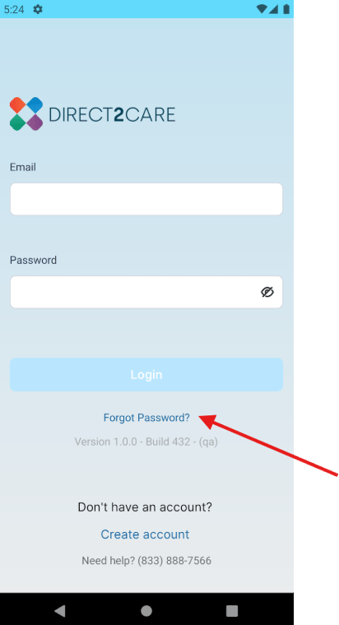
2. Enter your email linked to the account.

3. A password reset link has been sent to your email.
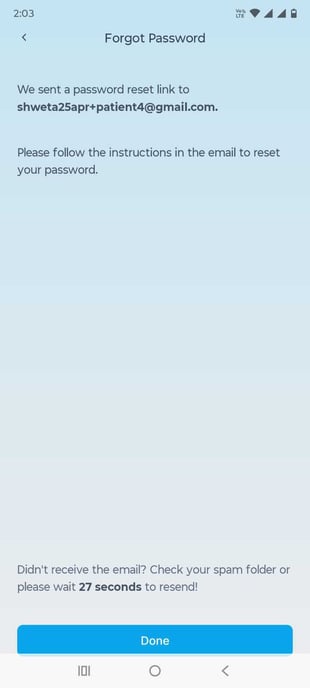
4. Go to your email and click on Reset Password.

5. Set your new password.
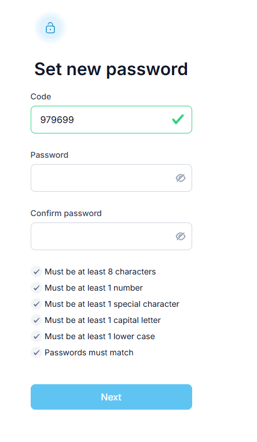
If you are using web app , follow the instructions:
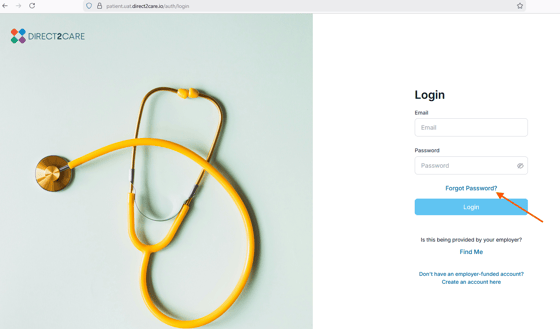
1. From the login screen, click on "Forgot Password?".
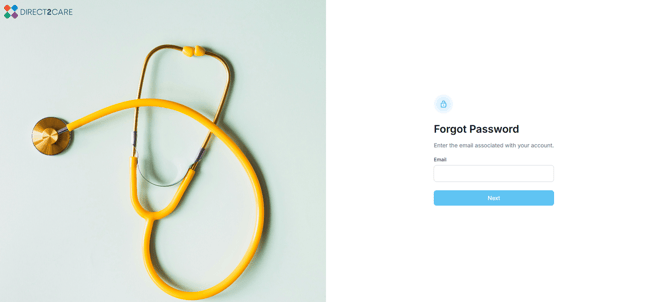
2. Enter your email address associated with account
3. Check your email, a password link has been sent

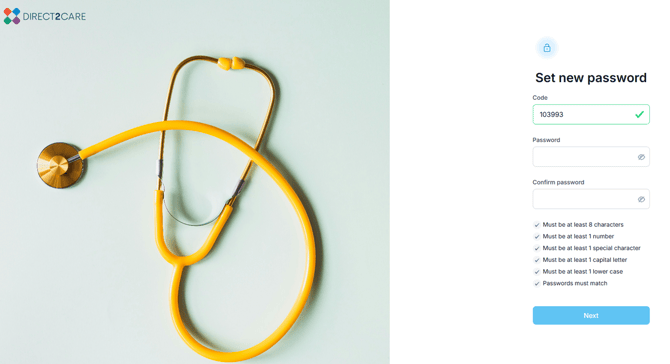
4. Email will be shown as and you need to click on Reset Password
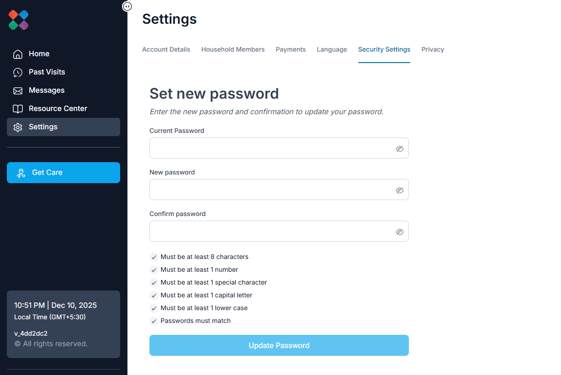
5. Set your new password.
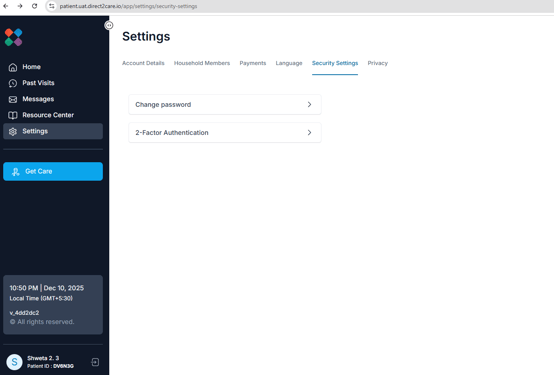
You may also reset your password from the "Settings" page in the app (far right tab) then choose "Security Settings".